Presentations that lay themselves out.
Pick a Smart Qard — a timeline, an org chart, a funnel — type what you want to say, and Qards arranges it for you, in any of 64 themes.
Free and open source. No account. Your work stays on your device.
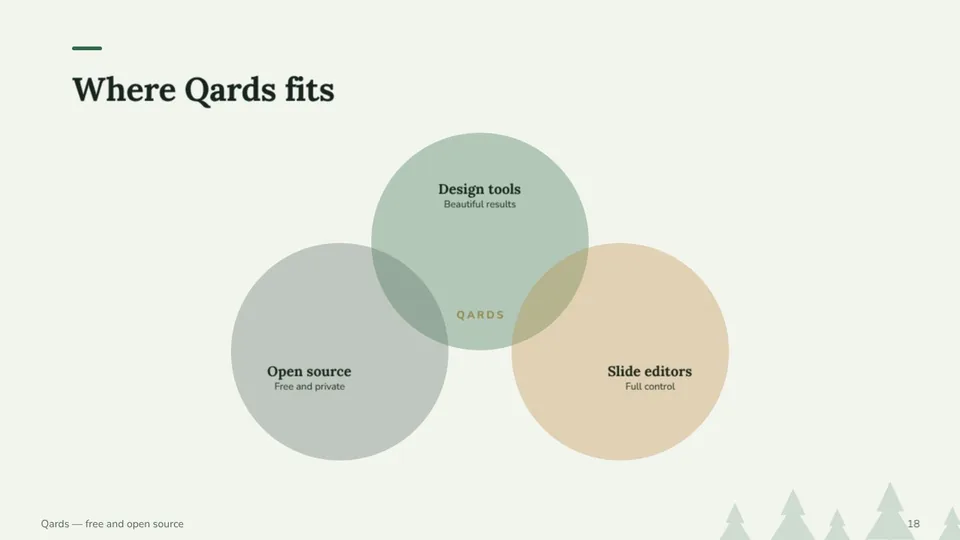
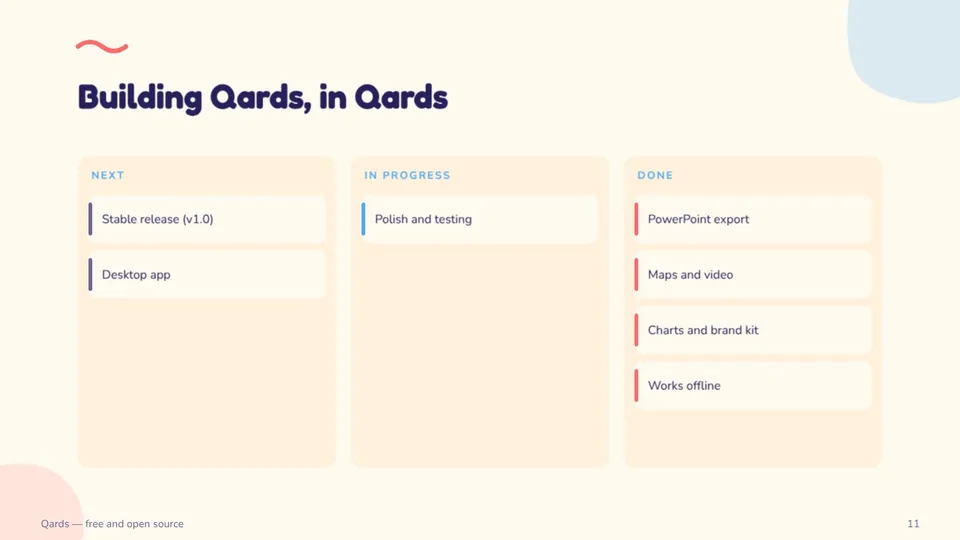
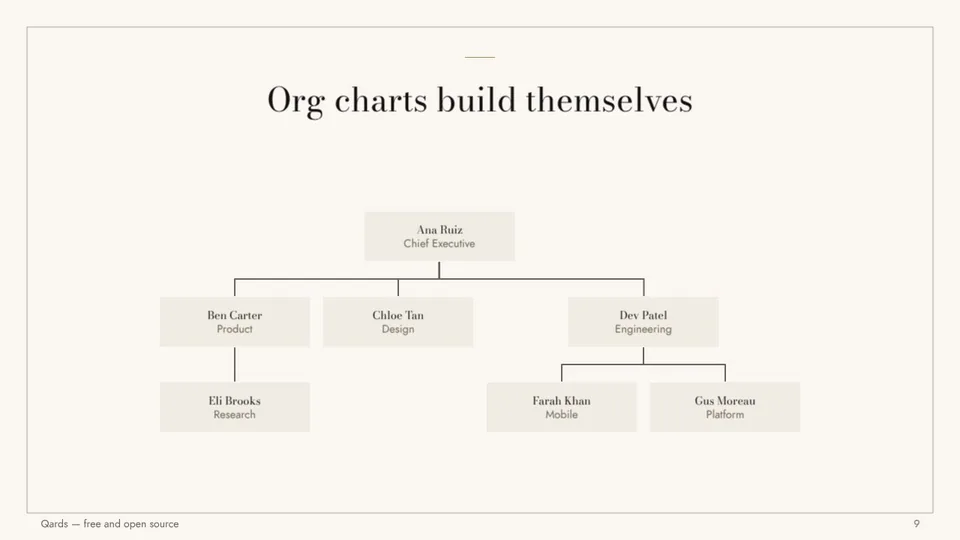
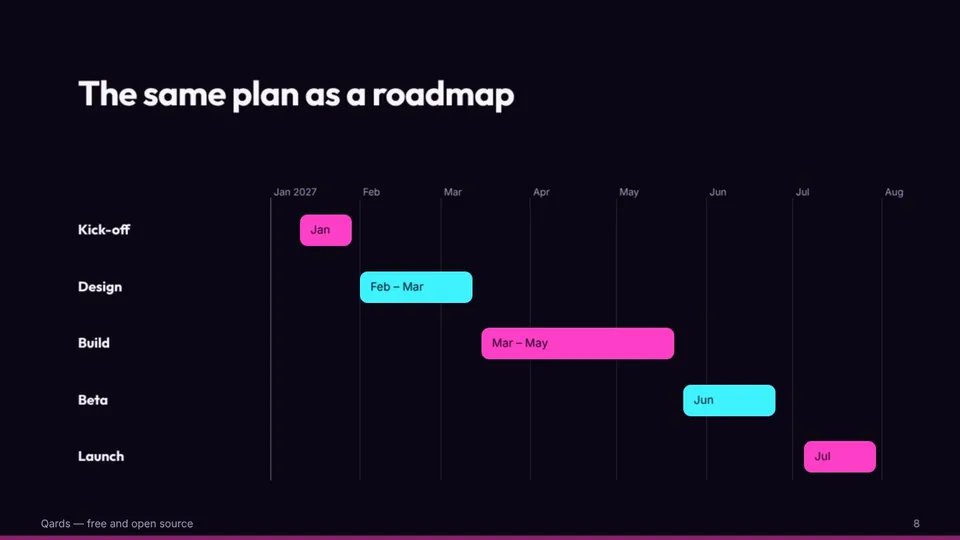
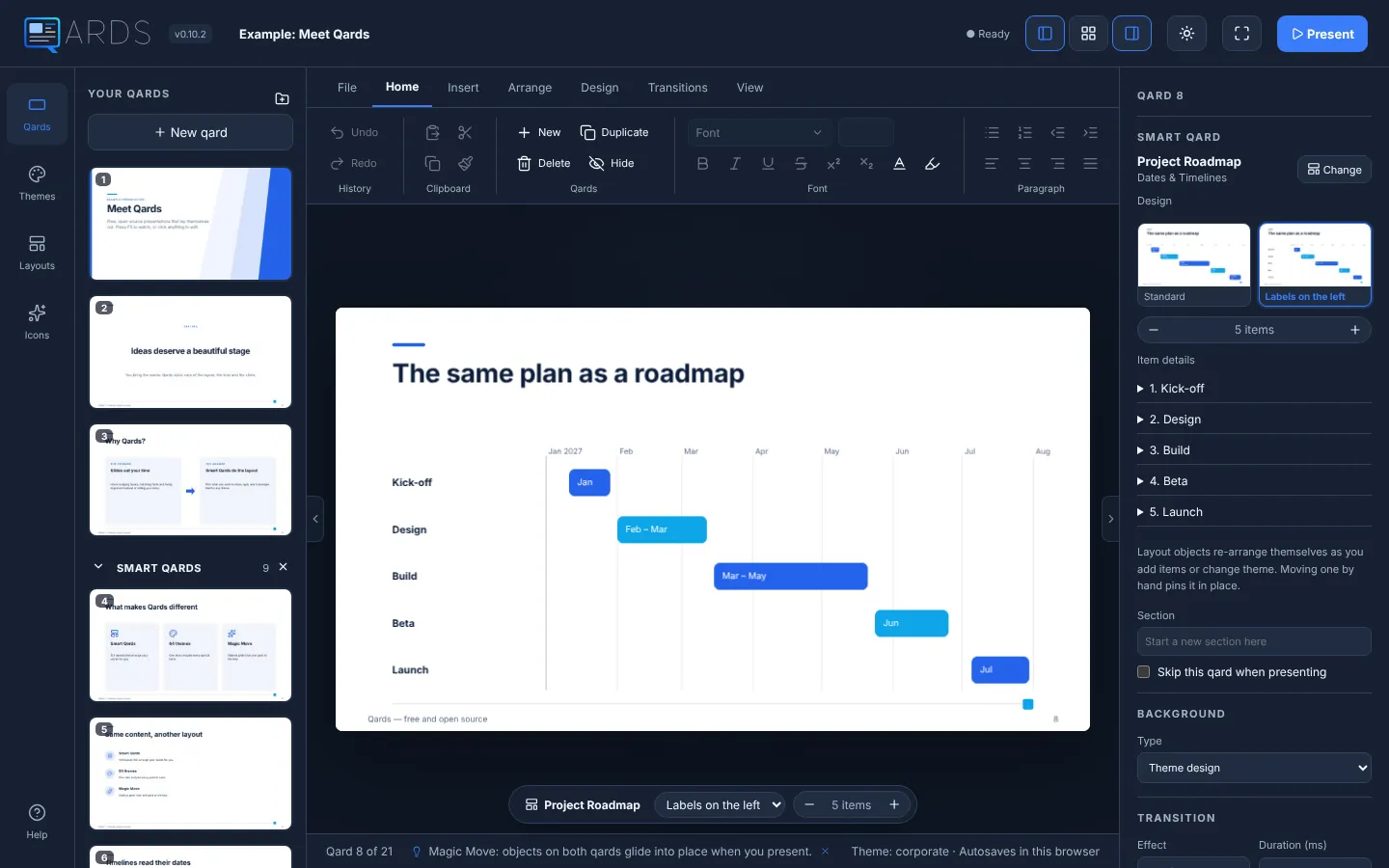
Smart Qards do the layout.
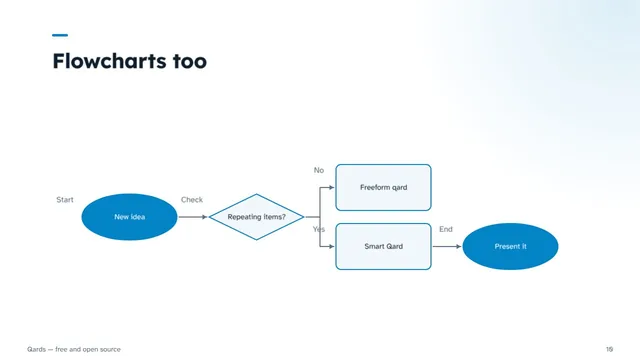
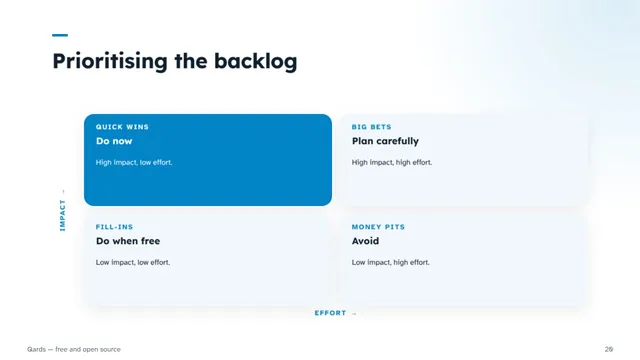
123 layouts in 16 categories. Add an item and everything re-flows. Switch to another layout and your words come with you.
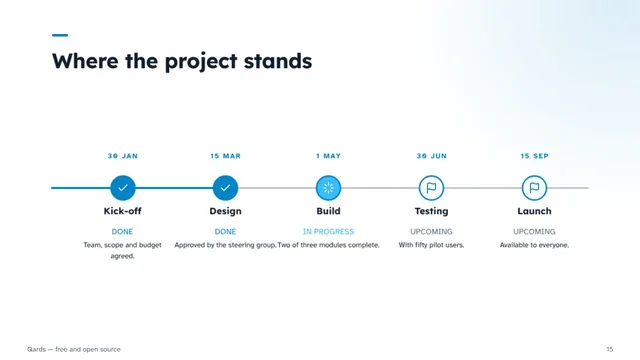
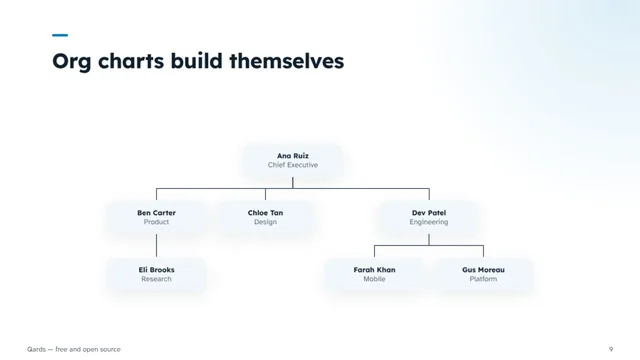
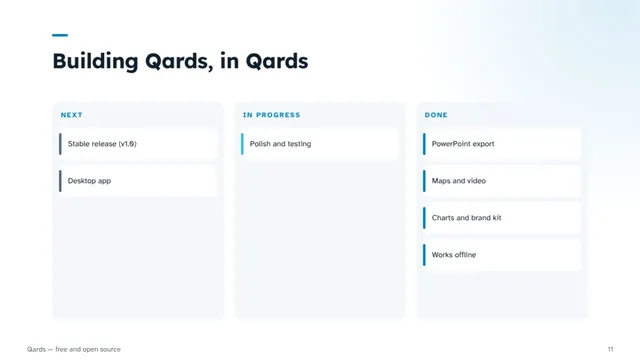
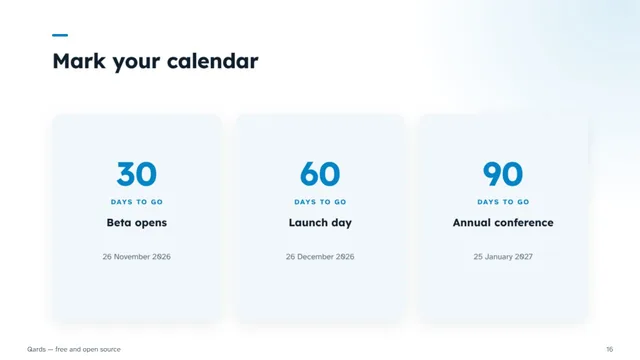
Some layouts read your content: timelines put milestones in date order, org charts build themselves from who reports to whom, and kanban boards sort cards into their columns. Charts, tables and KPIs take your numbers — paste them straight from a spreadsheet.
- Titles and structure
- Text and content
- Lists and cards
- Comparisons
- Quotes and stories
- Dates and timelines
- Processes and workflows
- Diagrams
- People and teams
- Charts and data
- Tables
- KPIs and metrics
- Strategy and planning
- Pictures and media
- Maps and locations
- Closing and next steps
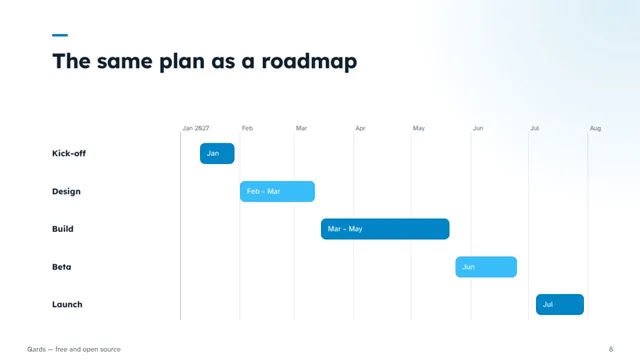
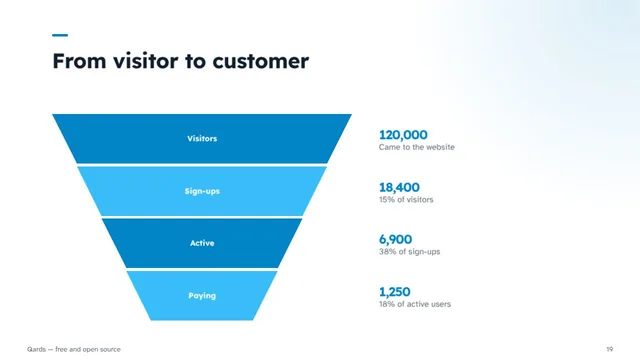
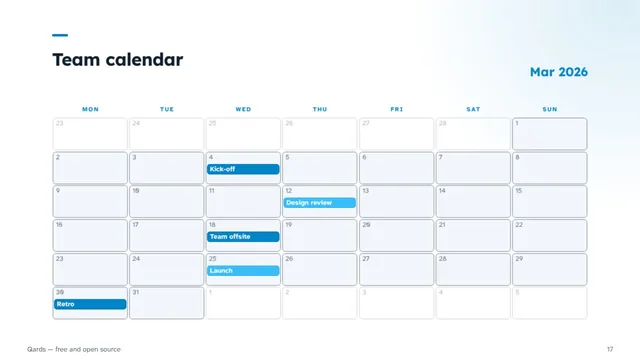
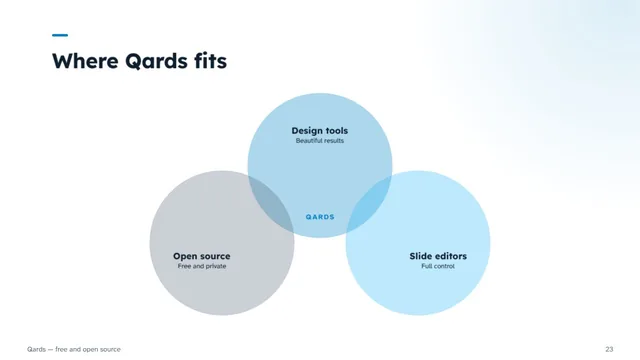
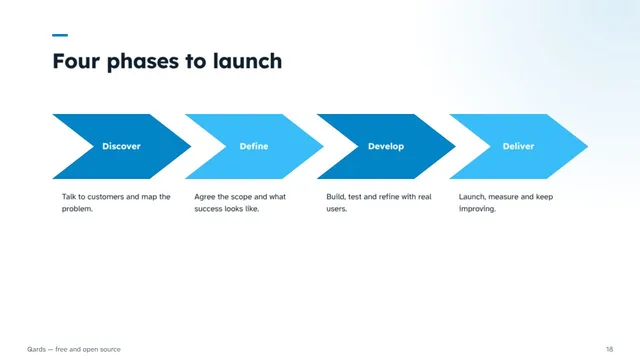
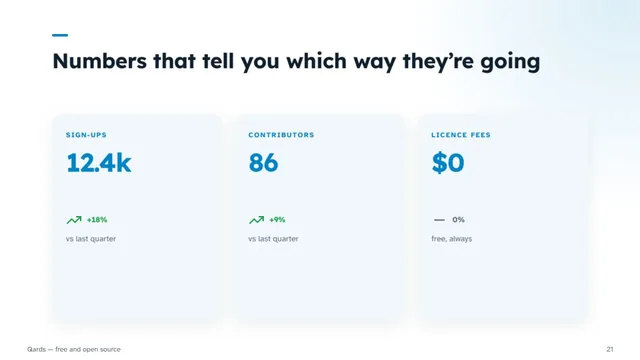
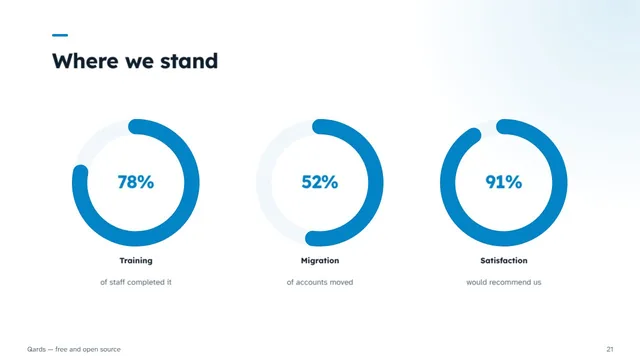
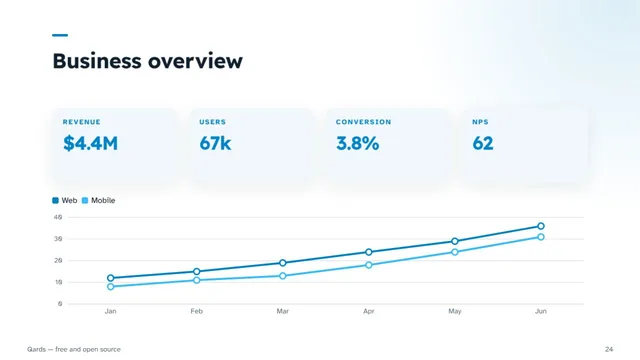
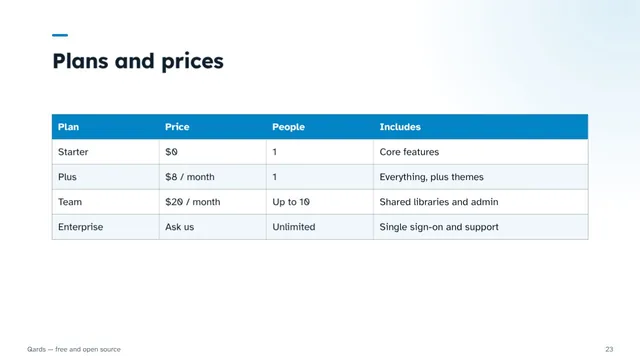
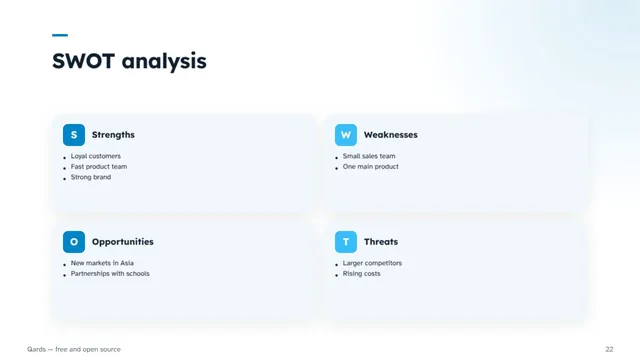
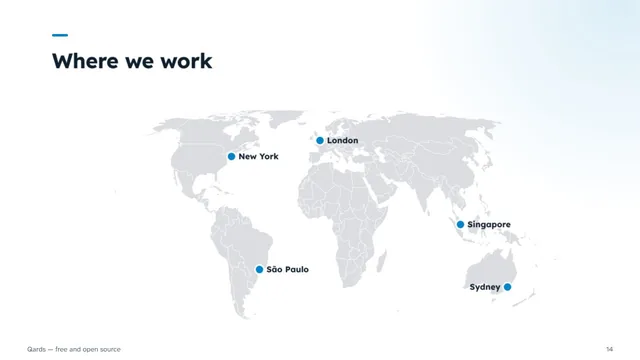
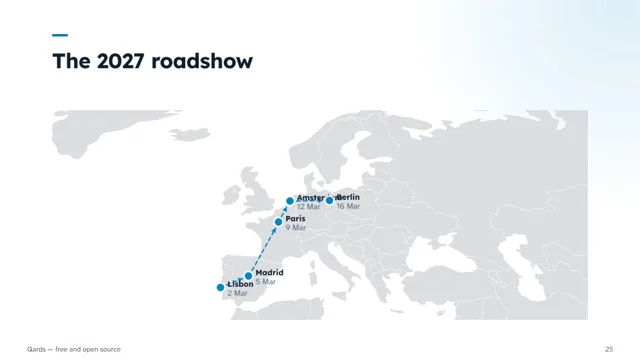
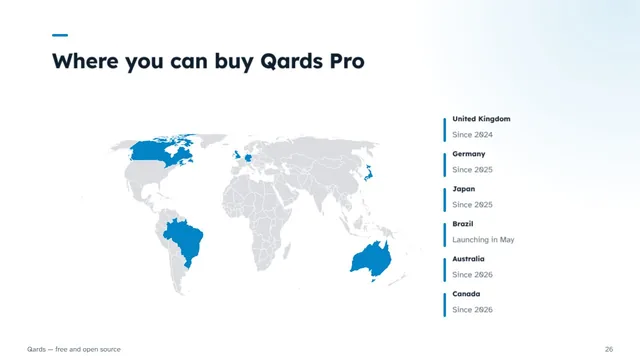
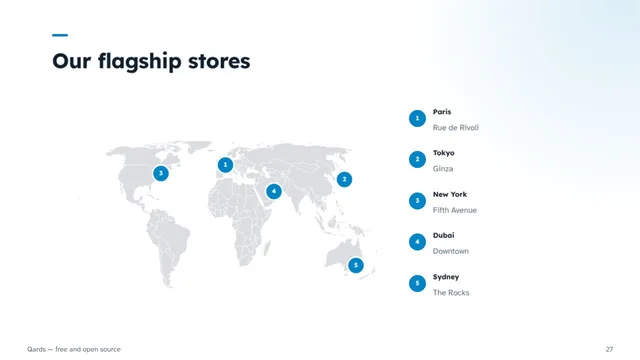
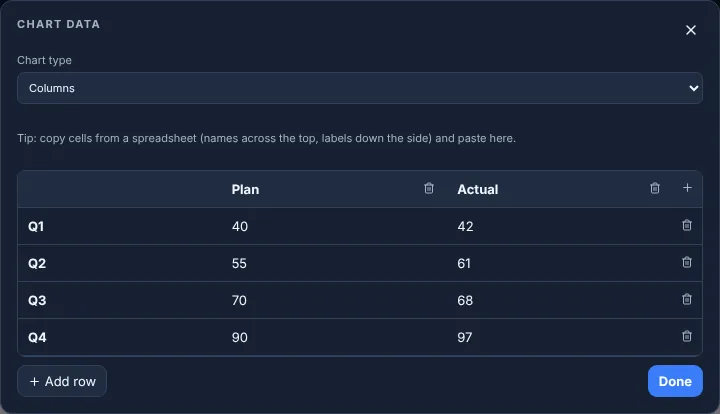
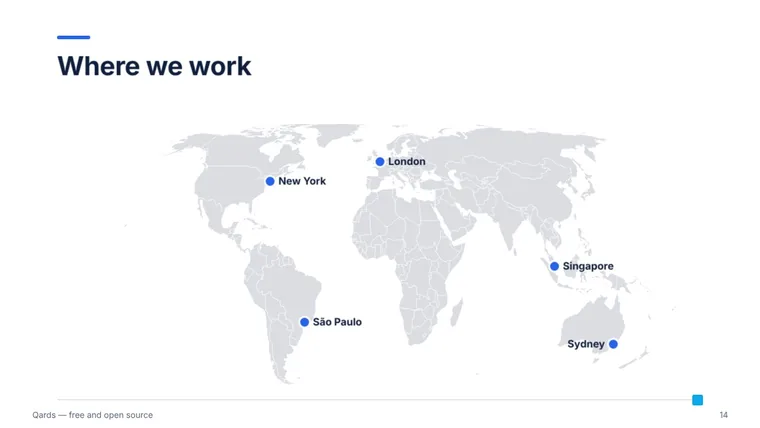
Numbers and places, handled.
Charts, tables, KPIs and maps are Smart Qards too, so they follow your theme and re-flow when you change it.
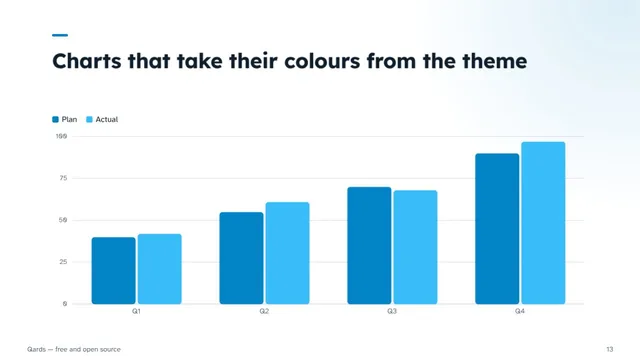
Charts from a spreadsheet
Columns, bars, lines, areas, pies and donuts. Copy cells from Excel or Google Sheets and paste them in; the colours come from the theme.
Tables and KPIs
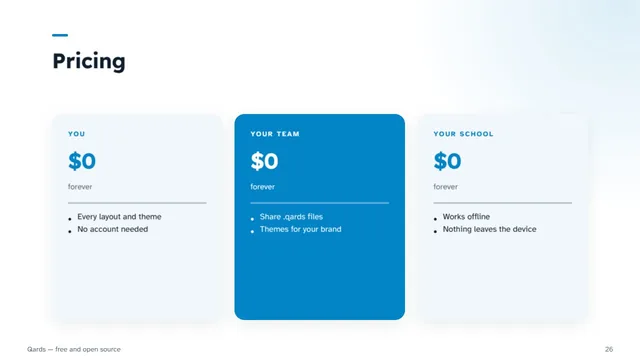
Price lists, scorecards, big numbers, trend arrows, progress bars and rings that fill to the number you type.
Maps that know the world
Type a city or a country and the pin goes there — every country and about 400 cities, in nine regions, even offline.
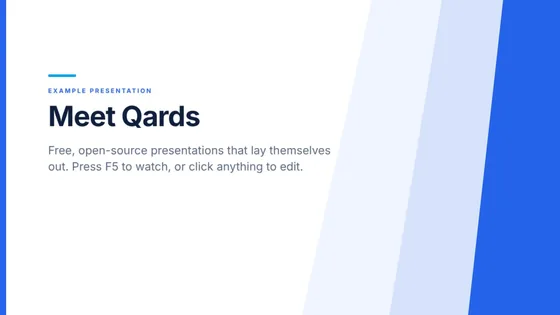
64 themes. One click restyles every qard.
Fonts, colours, cards and artwork change together, and each theme comes with several palettes. Need your brand? The theme maker builds a theme of your own and saves it as a file you can share.
 Corporate
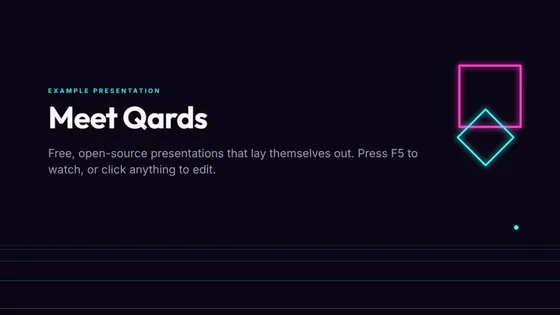 Neon
Neon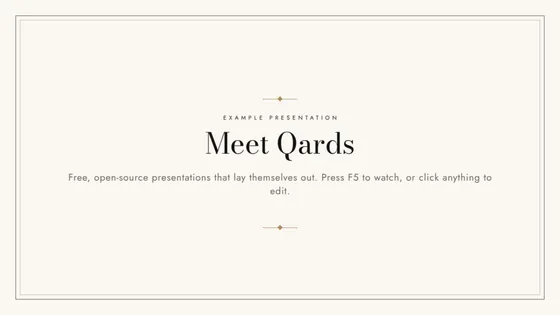 Couture
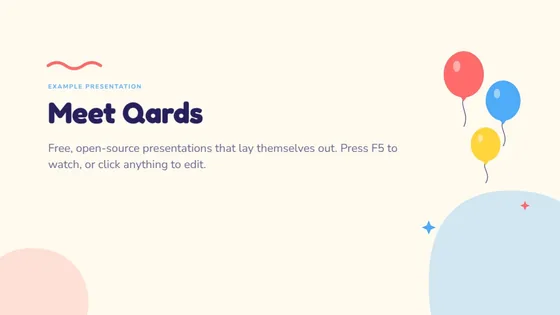 Kids
Kids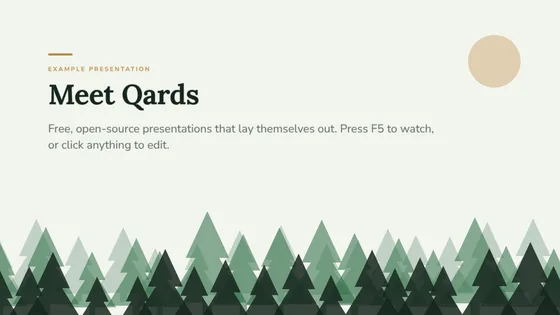 Forest
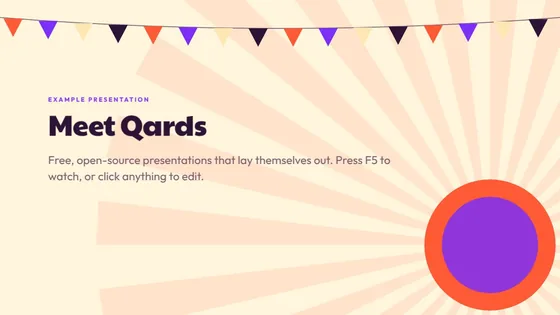 Festival
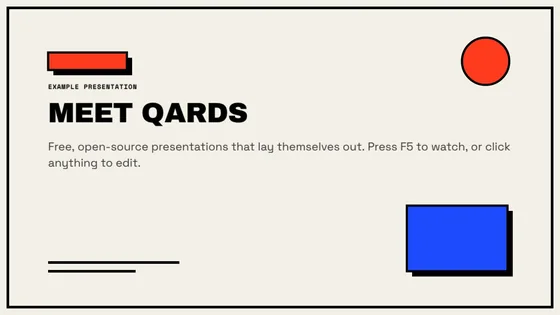 Brutalist
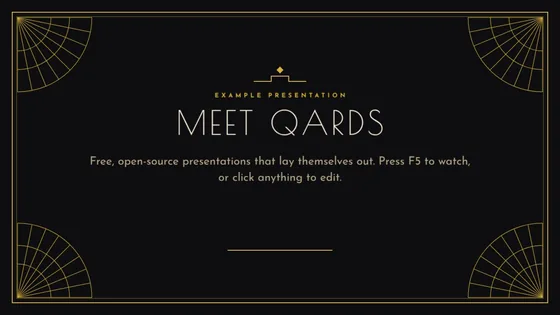 Art Deco
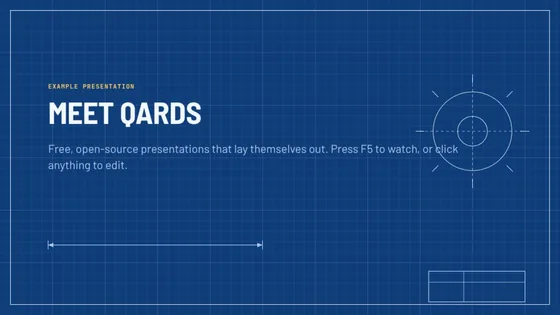 Blueprint
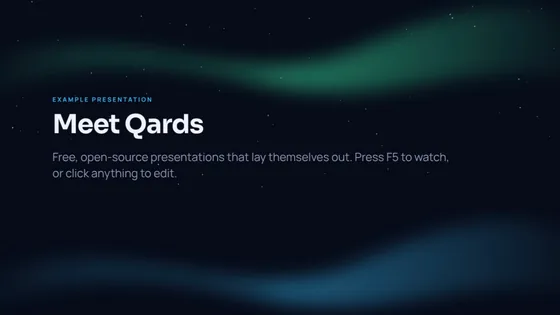 Aurora
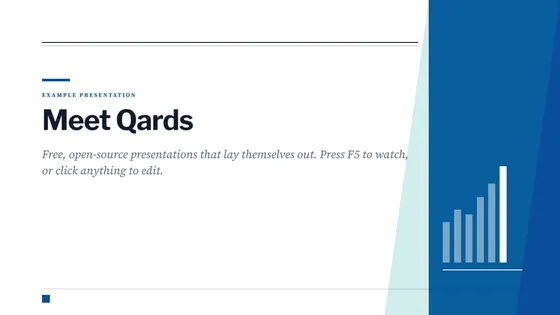 Annual Report
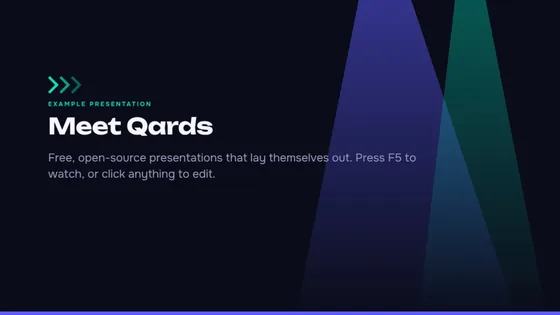 Summit
Make it your own.
Every theme and Smart Qard layout in Qards is built from the same open files you can make yourself — no plug-ins, no code.
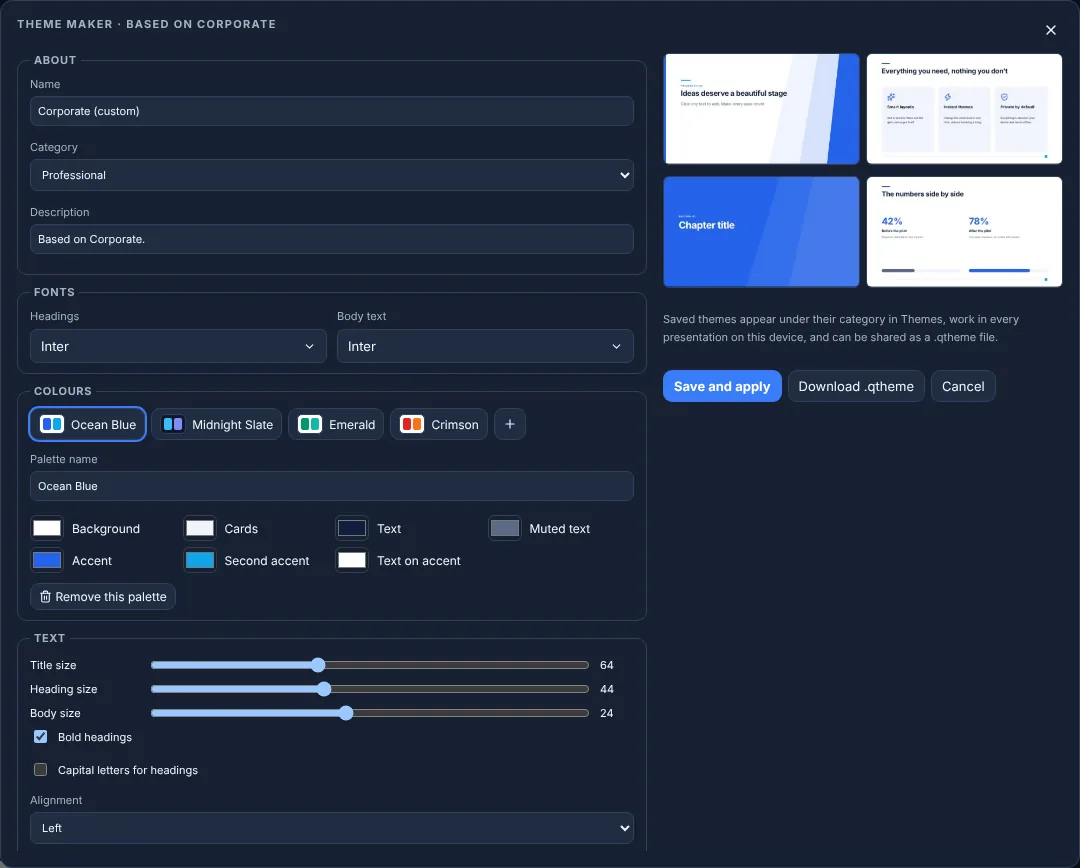
Theme maker
Design → Make theme starts from any theme. Pick fonts, colours and palettes, text sizes, card style and background art, with a live preview. Save it to your themes or share it as a
.qthemefile.Your own layouts
A Smart Qard layout is a
.qlayoutfile that says where each part goes and how items repeat. Write one, or ask an AI assistant with the layout prompt below, then add it with Design → Import.Brand kit
Your logo, colours and fonts on top of any theme. Change theme whenever you like — your brand stays.
Made for the moment you present.
Everything you need on stage, from the first click to the last question.
Animations and Magic Move
Bring objects in one click at a time, reveal a list item by item, or let shapes glide from one qard to the next.
Presenter view
Your notes, a timer and the next qard in a second window while the audience sees only your slides.
Rehearse with a clock
Practise once, keep the timings, and let the show move on by itself.
Laser pointer and pen
Point at what matters, or draw on a qard while you talk.
Diagrams that stay connected
Join two shapes with a connector and it follows them wherever you move them.
Private by default
No sign-up and no cloud. Presentations are saved in your browser and work offline.
Open file formats
Presentations, themes and layouts are plain files that anyone can read, write and share.
Export anywhere
Save as PDF, PowerPoint with editable text and charts, pictures, or a video of your presentation.
Opens PowerPoint
Bring your .pptx files across — text, pictures, tables, charts and notes come with them.
Works offline
Install Qards as an app and keep presenting with no connection, on a plane or on stage.
Starter decks
Pitch deck, project update, quarterly review, lesson, launch and more — replace the words and go.
Version history
Qards keeps earlier versions as you work. Go back to any of them in two clicks.
Any size
Widescreen, 4:3, square, portrait and vertical for social posts — layouts adapt to each.
Bring your own AI.
Qards has no AI built in and never sends your work anywhere. Its files are open instead, so ChatGPT, Claude, Gemini or any other assistant can write a whole presentation, theme or layout for you.
Or connect it directly with MCP
AI apps that support the Model Context Protocol, such as Claude Desktop and Claude Code, can use the free Qards MCP server to create and edit presentations on your computer: add qards, rewrite them, change the theme. Open the file in Qards with File → Link file and watch the changes arrive as the AI works.
Set up the MCP server →Copy a prompt
Pick one below — they’re also in the app under File → AI prompts.
Describe what you need
Paste it into your assistant and fill in your topic, audience and length.
Open the result
Save the reply as a file and open it with File → Import. Every qard is editable.
Free and open source.
Qards is MIT-licensed and built in the open by Lee Wen Yang (Mike). Read the code, report a problem, or contribute a theme or a layout.
- 123
- Smart Qard layouts
- 64
- themes with 256 palettes
- 196
- fonts that work offline
- $0
- now and later
Your next presentation starts here.
Launch QardsOpens an example presentation the first time — or start from a starter deck, or a blank qard.